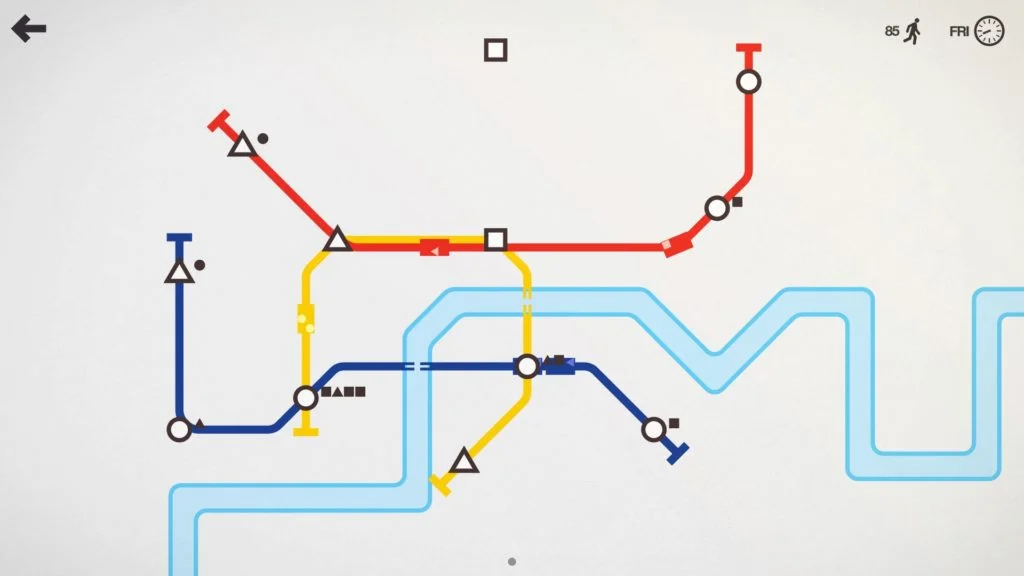
When a station starts filling up in Mini Metro, watch what happens when the next train arrives before redrawing the whole network. A full train, a long wait and a missing useful connection are different problems. Diagnose the queue first; then choose an upgrade or route change that addresses it.
Dinosaur Polo Club describes Mini Metro as a growing-city subway design game. You draw lines between stations and adjust the network as demand changes. This guide gives you a practical way to review those changes, rather than a supposedly perfect layout that every new map will outgrow.
Read the station shapes and the waiting passengers
Look at the destination shapes represented in the queue, then trace how a passenger could reach that kind of station. A nearby train is not necessarily a useful train if the network makes the required journey awkward. Follow the route on the actual map instead of judging it only by how tidy the coloured lines look.
I would keep early routes readable enough that I can explain where each one takes passengers. If you cannot trace a journey without losing your place, simplify your plan before adding another complicated branch. Later, when a particular connection has a clear job, a less elegant-looking line can be worthwhile.
| What you observe | Question to ask | Change to consider |
|---|---|---|
| Trains arrive with little room | Is capacity the immediate constraint? | Use an available capacity upgrade where the repeated load occurs |
| The queue waits through a long gap | How much route must a train cover before returning? | Review line length and available train allocation |
| One destination shape dominates the queue | Is there a useful connection to that type of station? | Improve the journey rather than adding an unrelated line |
| A new station creates a large detour | What does the extension do to existing passengers? | Compare a revised route with a separate connection if resources permit |
| Several queues worsen after a change | Which service did the change remove or slow? | Review the trade-off before making another large edit |
Practise reading one city
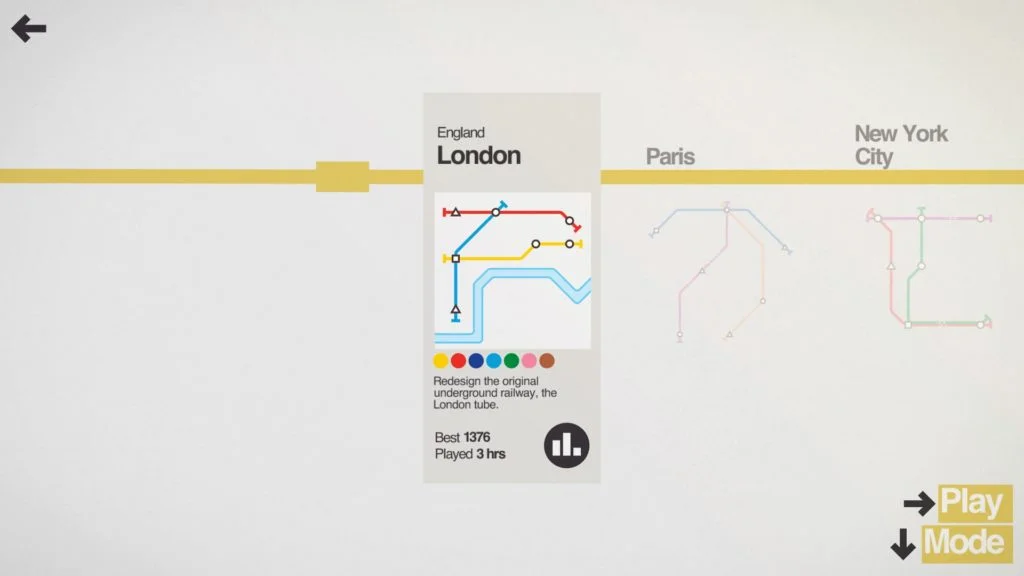
Choose a familiar city while learning the interface. Repeating the broad setting gives you fewer new things to interpret at once, even though growing maps still require fresh decisions. Check the selected play mode as well: the developer lists Classic, Endless, Expert and Creative, so advice about changing a network should match the rules you selected.
A short queue-diagnosis routine
- Choose one troubled station. Identify the queue you want to understand instead of trying to solve every crowded place at once.
- Watch a service cycle. Look at the arriving train, the passengers left behind and its onward route. Avoid changing several things before you have seen the result.
- Name the constraint. Is the useful service too infrequent, too full, or poorly connected to the required destinations?
- Pick an available response. Read the offered upgrade or inspect the route edit. Choose it for that constraint rather than because it is your usual favourite.
- Check the neighbouring stations. A fix that moves the queue elsewhere needs another look. Keep track of what service you traded away.
A worked decision without a fixed blueprint
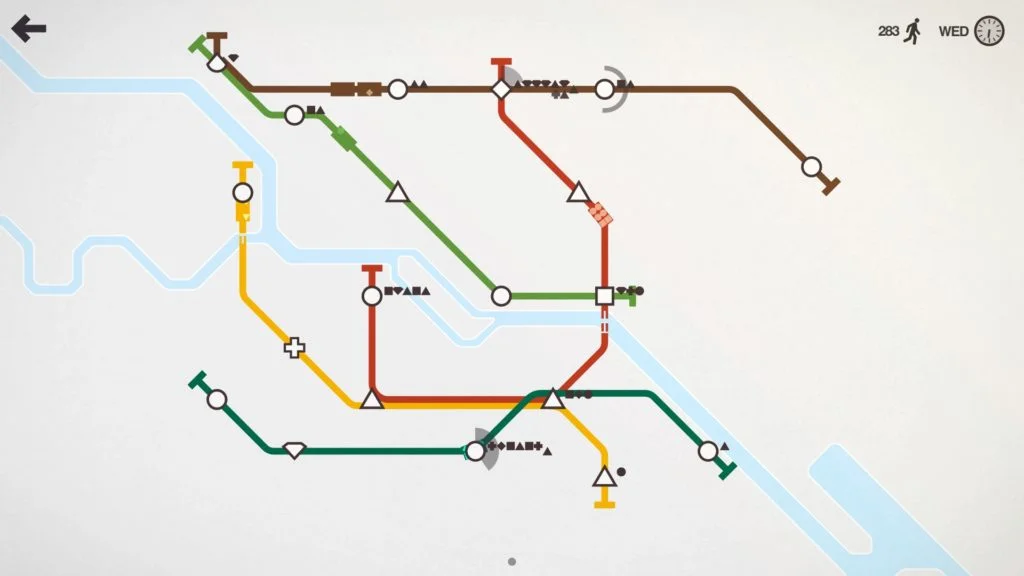
Imagine a practice map where one line has become a long loop and a station’s queue grows between visits. Adding capacity might help if the trains are consistently full. If trains reach that station with space but far too infrequently, the length and allocation of the service deserve attention first.
This is an illustrative comparison, not a promise about an exact number of passengers or trains. Watch what your own network does after the change. A higher score by itself does not tell you which decision improved the service.
Choose the next upgrade for a reason
Before accepting an upgrade, finish this sentence: “This helps because the current problem is…” If the answer is only “I always choose it,” look at the queues again. I prefer an improvement that solves a visible problem over one that depends on a hoped-for future station; that preference changes when the current service is stable and expansion is the real constraint.
After a run, save one observation for the next attempt. “The long extension slowed the earlier stops” is useful. “Everything went wrong” is too broad to test. For another game where focused decisions make a short session easier to review, see our Peglin beginner guide. Images are supplied by the official Mini Metro press kit.
Official promotional screenshot. Copyright remains with the developer.


No comments:
Post a Comment